Sample Small Business Cyber Security Plan: A Practical Office Guide
Use this sample small business cyber security plan to set clear rules for passwords, access, devices, backups, phishing, and incident response.
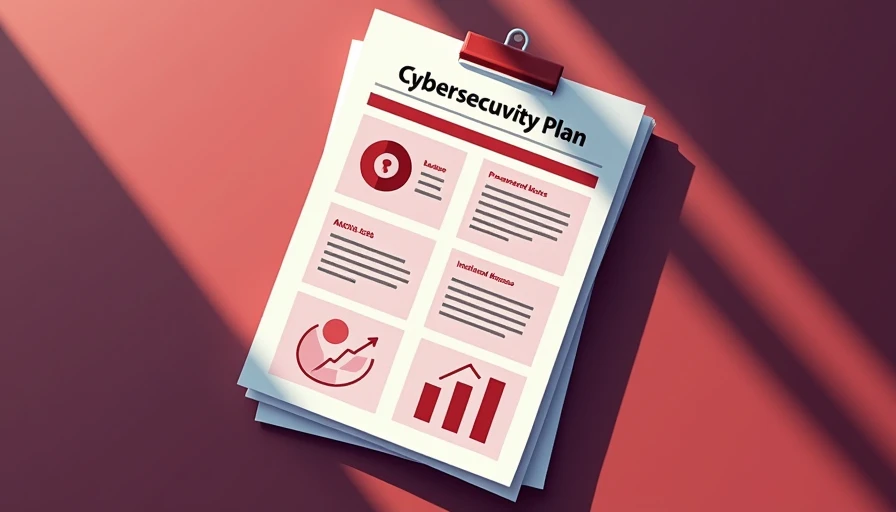
A sample small business cyber security plan should help ordinary employees make safer decisions without turning every task into an IT project. The goal is not to copy a 60-page enterprise policy. It is to document the few rules, owners, and routines that protect your files, money, customer information, and ability to keep working after a mistake.
A useful plan answers practical questions: Who can access payroll? Which devices may connect to company accounts? What happens when someone receives a suspicious invoice? Where are backups stored, and who tests them? This sample small business cyber security plan gives you a starting structure that an office manager, owner, or part-time IT administrator can adapt.
1. Define the business and its most important information
Start with a short risk statement. List what the company cannot afford to lose or expose. For a five-person accounting office, that might include tax documents, client identity information, email, billing records, and banking access. A small manufacturer may prioritize customer drawings, order systems, vendor payments, and production files.
Next, identify where those assets live. Common locations include Microsoft 365, Google Workspace, QuickBooks Online, Dropbox, local laptops, USB drives, and a router or network-attached storage device. Record the business owner for each system, not just the person who first created the account.
Your plan can state: “The company protects customer, financial, employee, and operational information through controlled access, multi-factor authentication, timely updates, endpoint protection, tested backups, and documented incident reporting.” That sentence is simple, but it gives employees a reason behind the rules.
Avoid trying to eliminate every possible threat. Focus on events that are both realistic and expensive, such as a stolen laptop, a compromised email account, a fake vendor payment request, ransomware, or an employee downloading unsafe software.
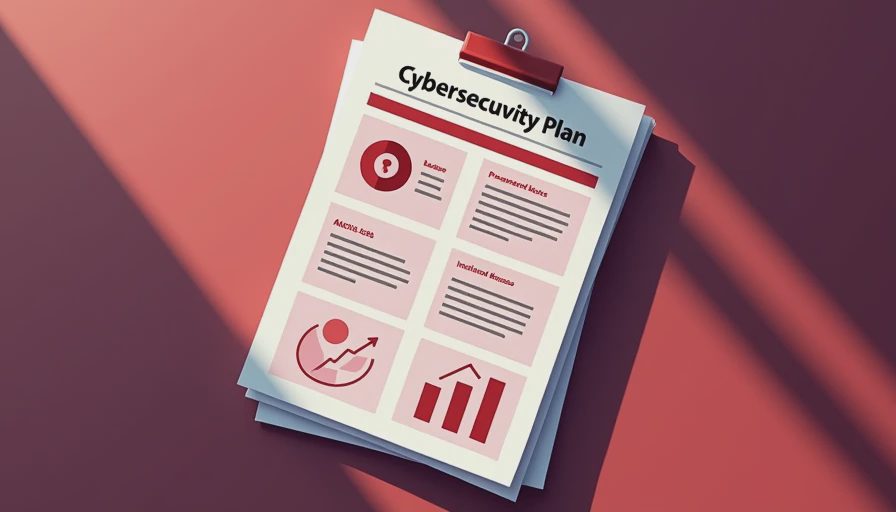
2. Set access, password, and authentication rules
Use individual accounts whenever a service supports them. Shared logins make it difficult to determine who changed a file or approved a payment, and they complicate offboarding. Each worker should receive only the access needed for the job. An assistant may need customer folders but not administrator privileges or payroll exports.
Require a reputable password manager for business credentials. Long, unique passwords are easier to manage when employees do not have to memorize dozens of them. Do not allow passwords to be reused between company accounts and personal services. Turn on multi-factor authentication for email, financial platforms, remote access, password managers, and administrator accounts. An authenticator app or security key is generally stronger than relying only on text messages.
The sample small business cyber security plan should also explain what happens when a worker changes roles or leaves. Remove access promptly, recover company equipment, disable forwarding rules, rotate shared secrets, and transfer needed files to an approved owner. Keep a basic access list and review it at least quarterly.
For payment changes, require a second verification method. If an email asks for a new bank account, call a known contact using a trusted number. Do not use the phone number supplied in the suspicious message.
3. Protect company devices and remote work
Every company laptop should have automatic operating system updates, screen locking, disk encryption where available, and a business-appropriate endpoint security product. Microsoft Defender for Business, Bitdefender GravityZone, Sophos, and similar tools can fit different office sizes and management preferences. The important question is not which brand sounds most advanced. It is whether someone will monitor alerts, install updates, and respond when protection is disabled.
Do not permit unapproved browser extensions, pirated software, or random remote-control utilities. A small office can maintain a short approved software list and a simple request process. This reduces shadow IT without forcing employees to wait weeks for harmless tools.
Remote workers should use a private, password-protected network and avoid handling sensitive files on shared public computers. A company laptop should be locked whenever the user steps away. Employees should report loss or theft immediately, because an early account reset can matter more than an elaborate policy written after the fact.
Backups deserve their own practical routine. Use a cloud service with version history plus a separate backup for critical data when appropriate. At least once each quarter, restore a sample file and document the result. A backup that has never been restored is an assumption, not a recovery plan.

4. Make phishing and payment fraud harder
Security training works better when it uses the messages your team actually sees. Teach employees to pause when a message creates urgency, changes payment instructions, requests a password, or asks them to open an unexpected attachment. Look closely at the sender address, reply-to address, links, and tone. A familiar logo proves very little.
Create a low-friction reporting process. Employees should be able to forward a questionable email to a designated person or help desk without being embarrassed. The plan should say what to do after a click: disconnect from the network if directed, do not delete evidence, change credentials from a clean device if instructed, and report the event immediately.
For invoices and wire transfers, separate request and approval duties when staffing allows. A two-person check for unusual payments can prevent a costly error. Set a dollar threshold for callback verification, such as any new bank account or any payment above $2,500. Choose an amount that fits the business rather than copying a large-company policy.
5. Write an incident response page
A small business does not need a complicated crisis manual, but it does need a one-page response list. Include the owner, IT provider or managed service provider, insurance contact, attorney, bank contact, and law enforcement contact where appropriate. Keep phone numbers offline or in a location that remains available if email is unavailable.
The first actions should be containment and preservation. Disconnect a suspected infected computer from Wi-Fi or wired networking, but do not wipe it or start experimenting with cleanup tools before getting advice. Lock a compromised account, preserve suspicious messages, identify affected systems, and record times and actions. If payment fraud is suspected, contact the bank immediately because recovery options can depend on speed.
The sample small business cyber security plan should also cover communication. One person should coordinate internal updates, while employees know not to post incident details publicly or speculate with customers. Legal, contractual, and breach-notification obligations depend on the data and jurisdictions involved, so professional advice may be necessary.
6. Assign owners and review the plan
A policy without an owner becomes a document nobody opens. Assign a primary coordinator and a backup. The coordinator does not need to be a security specialist; the role can include checking that updates, access reviews, backups, and training actually happen.
Use a monthly checklist: review security alerts, confirm backup jobs, check new users, remove departed users, install pending updates, and inspect administrator accounts. Every quarter, test a restore, review vendors, run a short phishing discussion, and confirm emergency contacts. Once a year, update the plan after changes to software, staffing, insurance, or office locations.
The best sample small business cyber security plan is specific enough to guide a tired employee on a busy Tuesday. It names the systems that matter, gives people a safe way to report mistakes, and assigns real owners instead of saying “IT will handle it.” Start with passwords, MFA, backups, updates, access reviews, and payment verification. Security gets easier when the rules make sense.
How Small Teams Should Document Security Decisions So They Hold Up Later
Why verbal security decisions fail small teams at audits, insurance rene...
How to Build a Basic Device and Access Checklist Before Compliance Becomes a Crisis
A basic device and access checklist is the single most useful document i...
The 5 Security Policies Every Small Office Should Be Able to Show on Demand
Small offices do not need thick compliance binders; they need five short...
Your Antivirus Tool Won’t Save You From Bad Offboarding
A practical guide to why antivirus software cannot fix offboarding gaps:...
Leave a comment
No comments yet.