Your Antivirus Tool Won’t Save You From Bad Offboarding
A practical guide to why antivirus software cannot fix offboarding gaps: lingering employee accounts, forgotten mailbox forwarding, shared passwords, and MFA tokens on personal phones. Includes an eight-step offboarding checklist Grant Dorsey runs with small U.S. offices, written from first-person operational experience.

When someone asks me to review a small business security compliance checklist, the conversation usually starts with antivirus: which product, which plan, which add-on. It is a reasonable question, but it points at the wrong end of the problem. The gaps that hurt small offices are usually not in the software they bought. They are in the access that is still switched on after a person leaves. No antivirus console will tell you that a former bookkeeper can still sign in, or that their mailbox has been forwarding mail to a personal address for the past six weeks. I have seen both of those exact situations, and neither one had anything to do with malware.
The Accounts That Keep Working After the Person Leaves
The most common offboarding failure I run into is not dramatic. An employee gives notice, returns the laptop, and everyone assumes the account deactivates itself. It does not. The email account, the cloud drive, the payroll portal, the CRM login, and the shared folder access all stay live until someone disables them. I have audited small offices where a departed employee could still sign in months later, simply because no single person owned the deactivation step.
When Deactivation Is Nobody’s Job
In offices without a dedicated IT person, the work falls between stools. The office manager assumes the accountant handled it. The accountant assumes the software vendor handles it automatically. The owner assumes someone must have done it, because surely it does not just stay open. It does. Every offboarding failure I have investigated traces back to an assumption, not to malice.
What Lingers After the Laptop Comes Back
The laptop on your shelf is the visible part. What lingers invisibly is more useful to a former employee: the email account with years of client history, the payroll login that still works, the CRM with contact lists, and any portal where the office shares one account. Any useful small business security compliance checklist starts with these lingering accounts, because this is where most offboarding incidents actually begin. I keep this note near the top of the offboarding pages in my “Avoidable Problems” notebook.

Where Offboarding Usually Breaks Down
The failures repeat themselves across industries, and once you know the pattern you start seeing it everywhere. A small business security compliance checklist that does not force you to look at the three spots below is mostly decoration. These are the gaps I find again and again, in law offices, shops, agencies, and clinics alike.
Mailbox Forwarding Nobody Removed
A departing employee often forwards work email to a personal address during their last weeks, sometimes to finish projects, sometimes because it feels convenient. When they leave, that forwarding rule stays active. Client replies, payroll notices, and vendor threads quietly land in an inbox the company no longer controls. I worked with one small agency that discovered a rule like this nine months after the employee left, and the only reason anyone found it was a routine access review.
Shared Passwords That Never Rotate
Small offices share passwords for practical reasons: the vendor portal, the printer admin page, the social media account, the alarm system. When the person who knew those passwords leaves, the passwords usually stay exactly the same. A former employee does not need to hack anything. They already know the door codes, and nobody changed the locks.
MFA Tokens That Live on Personal Phones
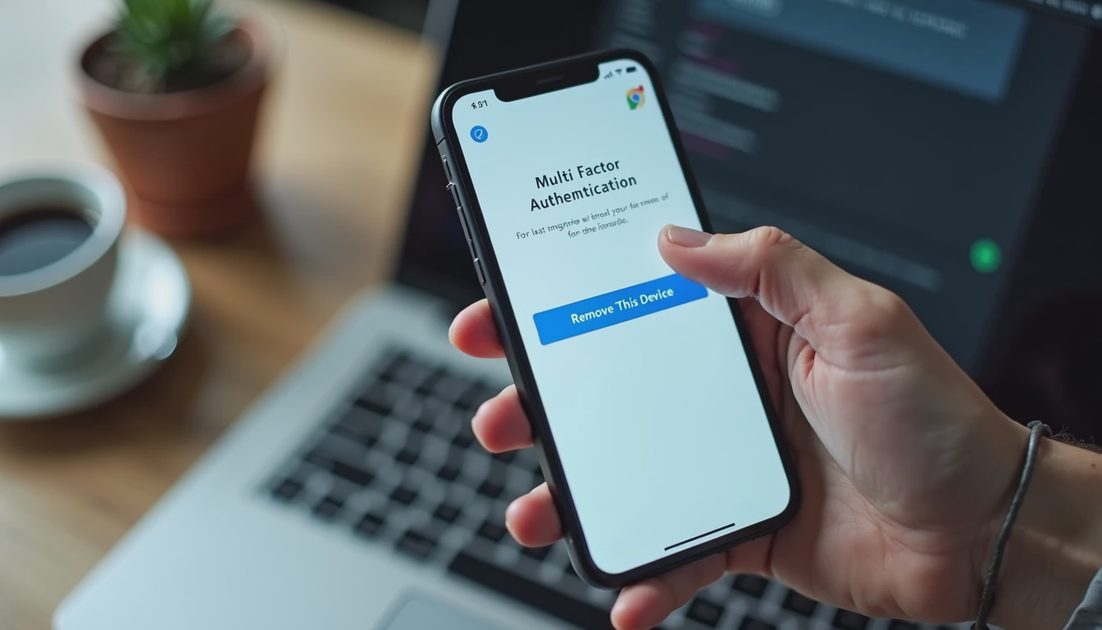
Multifactor authentication is only an improvement if the second factor stops working when the person leaves. In practice, I have seen former employees keep approving sign-ins months after their departure, because the MFA token on their personal phone was never removed. The account looks protected. It is protected from strangers, and completely open to the one person who should have lost access.
A Realistic Offboarding Checklist You Can Run in an Hour
The goal is a checklist that one office manager can actually run in under an hour, not a binder nobody reads. This is the sequence I use when I help offices build their own small business security compliance checklist, and it works as an ordered list:
Confirm the final workday and collect all hardware, including chargers, keys, and access badges.
Disable the network login and the email account on the same day, and revoke every active session.
Rotate every shared password the departing person had access to, including vendor portals.
Remove multifactor devices tied to the account, especially personal phones.
Remove forwarding rules, delegate access, and out-of-office replies.
Remove the person from distribution lists, client portals, and door code systems.
Reassign their documents and archive the mailbox according to your retention policy.
Set a reminder to confirm, thirty days later, that nothing has quietly reactivated.
Who Owns Each Step
A checklist without an owner is a suggestion. In small offices I recommend one named person — usually the office manager or the owner — who runs the list and initials each step. It does not need to be complicated. It needs to be someone’s job on a specific date, not everyone’s job on no date at all.
The Checklist Items Nobody Puts on the Checklist
The obvious accounts get handled. The items below are the ones that slip, because they sit outside the normal view of email and login systems:
Service accounts and shared logins that still carry the departed employee’s name
Marketing platforms, social media pages, and the domain registrar
The building alarm code, the safe code, and any vendor who still thinks the employee is the contact
Software licenses that renew on the employee’s personal credit card
Why This Is a Compliance Conversation, Not a Technicality
Regular offboarding checks belong alongside basic cybersecurity habits for employees, because access reviews are one of the few practices that satisfy both auditors and common sense. When I talk to small offices about compliance, I tell them the same thing: you are not doing this to impress a consultant. You are doing it because every account that survives an employee is an account you do not control, and an account you do not control is a risk you never meant to accept. Good offboarding also protects the departing employee, who should not have their personal device receiving your client’s payroll data six months after they left.
The good news is that the fix is not expensive. It is a routine, and routines only fail when they depend on memory. Put the offboarding date on the calendar, name one person to run the list, and treat a quarterly review of who-can-still-sign-in as normal housekeeping rather than a project. Security gets easier when the rules make sense, and few rules make more sense than this one: when someone stops working for you, their access should stop the same day.
What Actually Happens After One Employee Clicks a Fake Microsoft 365 Login Page
what is a c3pao and do small businesses need one? A Practical Guide
What is a c3pao and do small businesses need one? Learn what C3PAO means...
Data Execution Prevention for Small Business: A Practical Windows Guide
Data execution prevention for small business: learn what DEP does, how t...
POA&M Meaning for Small Business Compliance: A Practical Guide
poa&m meaning for small business compliance: learn what POA&M records sh...
examples of pii include name and social security number: A Practical Office Guide
examples of pii include name and social security number: learn what it c...
Sample Small Business Cyber Security Plan: A Practical Office Guide
Use this sample small business cyber security plan to set clear rules fo...
Leave a comment
No comments yet.