Phishing Scam Text Message: How Office Teams Can Respond Safely
A phishing scam text message can look harmless. Learn how office teams spot, report, and prevent fake delivery, payroll, and login alerts before damage spreads.
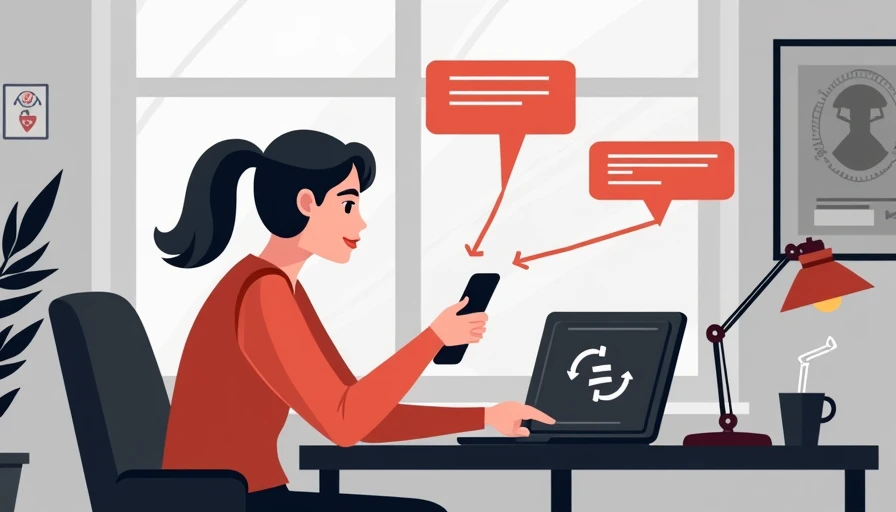
A phishing scam text message is designed to create a quick emotional reaction: a package supposedly needs a delivery fee, a bank account needs verification, or a manager urgently needs a gift card. For office teams, the danger is not limited to the phone itself. A successful message can lead to stolen Microsoft 365 credentials, malware on a company laptop, fraudulent payments, or exposure of customer information. The practical goal is not to identify every clever trick. It is to slow down the decision, verify the request, and give employees a simple way to report it.
What a phishing text is trying to do
A phishing scam text message uses impersonation and urgency to move someone toward an unsafe action. The message might contain a link to a fake Microsoft login page, a phone number for a supposed fraud department, or instructions to reply with a one-time code. Some attacks begin with a text and continue by phone or email after the recipient responds. This blended approach is often called smishing, a term for phishing delivered through SMS or messaging apps.
The sender name is not reliable evidence. Attackers can make a message appear to come from a familiar company, and a phone number that looks local does not prove the sender is nearby. Criminals also copy the visual style of FedEx, UPS, Amazon, banks, payroll providers, and cloud software companies. A polished logo and natural-sounding sentence do not make a request legitimate.
The strongest warning sign is usually the requested action. Is the recipient being pushed to click immediately, bypass a normal process, share a password, approve a login, or pay an unexpected invoice? Those demands deserve a separate verification step, even when the message seems to come from a supervisor.
Warning signs employees can recognize
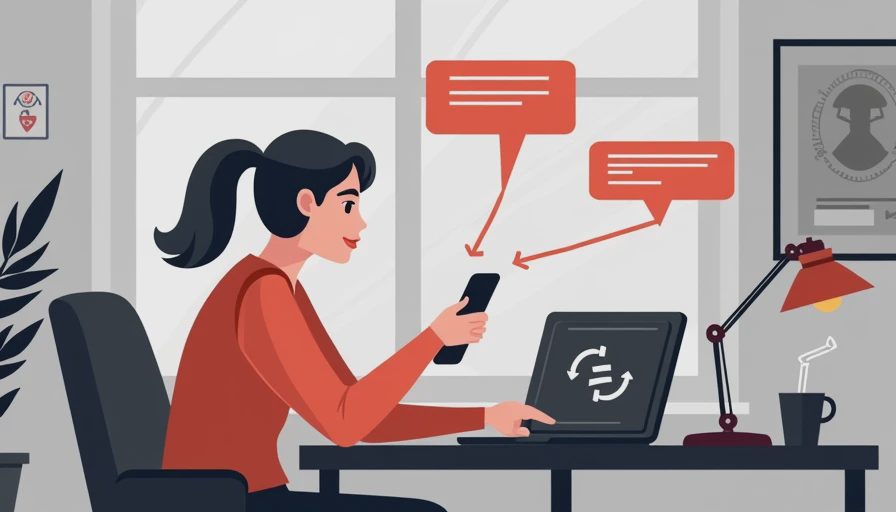
A phishing scam text message often contains one or more details that would be unusual in a normal business exchange. Look for a shortened URL, a misspelled domain, a request to move the conversation to WhatsApp or Telegram, or a warning that an account will close within minutes. Messages that address a recipient vaguely, such as “Dear customer” or “employee,” also deserve scrutiny, although personalization is no guarantee of safety.
Links can be deceptive because the visible words do not always match the real destination. On a phone, press and hold the link only if the device safely previews the address; do not open it. A domain such as microsoft-login-support.com is not the same as microsoft.com. When a message claims to be from a bank or vendor, open the known app or type the established website address manually instead of using the message link.
Unexpected verification codes are another important clue. If an employee receives a login code without trying to sign in, someone could already have the password and be attempting access. The employee should not forward the code or read it to a caller. Report the event and change the password through the normal sign-in page.
What to do when a suspicious message arrives
A phishing scam text message should be handled with a short, repeatable process. First, stop. Do not click, reply, call the number in the message, or download an attachment. Second, capture enough information for reporting, such as a screenshot, sender number, visible link, and arrival time. Third, report it through the company’s designated channel. That might be a security mailbox, help desk ticket, Microsoft Defender report button, or direct message to the IT administrator.
After reporting, delete the message and block the sender if appropriate. Blocking is useful for reducing repeat nuisance messages, but it does not replace reporting because the same campaign may target other employees. If the message involved a company account, payment instruction, customer record, or executive impersonation, notify the responsible manager quickly. A fast internal warning can prevent a second person from making the same mistake.
Do not shame the recipient who clicked. If people expect embarrassment, they are more likely to hide an incident. A calm report gives the business a chance to revoke sessions, reset credentials, review mailbox rules, and contact financial institutions before the problem grows.

If someone clicked the link
A click does not automatically mean the company has been breached, but it should trigger a careful response. Disconnect the affected device from Wi-Fi or wired networking if a download ran, a login was submitted, or the page behaved strangely. Do not continue browsing the page to investigate. Contact the internal IT lead or managed service provider from a known phone number or separate device.
If a password was entered, change it immediately from a trusted device. Change it anywhere else that used the same password, because attackers commonly test reused credentials across email, banking, and cloud services. Enable multifactor authentication, preferably with a security key or authenticator app when supported. If a one-time code was shared, treat the account as actively targeted and review recent sign-ins.
For a company account, the response should include session revocation and a review of inbox forwarding rules. Attackers sometimes create hidden rules that copy invoices, password resets, or customer conversations to an outside address. If payment information was sent or a transfer was authorized, contact the bank’s fraud department immediately. Preserve screenshots and message details rather than resetting every device without documentation.
Build a workplace process that people will use
A phishing scam text message is easier to manage when the company has a written rule before the first incident. Create one reporting address, one ticket category, and one backup contact. Put those instructions in the employee handbook, onboarding checklist, and team chat description. A useful policy can fit in three sentences: do not use links in unexpected texts, verify unusual requests through a known channel, and report mistakes immediately without waiting for certainty.
Managers should model the behavior. They should never request gift cards, passwords, or urgent payment changes solely by text. A finance request should use the normal approval process, and a supervisor who sends an unusual message should expect a callback through the company directory. These habits reduce the authority attackers try to borrow.
Basic technical controls help as well. Use multifactor authentication for email and cloud applications, keep phones and computers updated, deploy endpoint protection on business devices, and use a password manager so employees are less tempted to reuse passwords. Email filtering cannot stop every SMS attack, so training and reporting remain important.
A simple monthly review
Once a month, spend ten minutes reviewing reported messages with the team. Remove personal details and focus on the pattern: fake delivery charge, account suspension, payroll change, executive request, or unexpected verification code. Explain what verification method would have worked. For example, an employee could open the payroll portal from a saved bookmark or call the vendor using a number already stored in the company directory.
Keep a small incident log with the date, campaign type, affected users, action taken, and any follow-up. This record helps identify repeat targeting and supports reasonable compliance documentation without turning a small business into a paperwork exercise. It also shows whether the reporting process is actually being used.
The best policy is one employees can remember during a busy afternoon. Pause, avoid the link, verify independently, and report early. Security gets easier when the rules make sense, and a safer office is usually a more boring office.
MFA Tools for Safer Small-Business Workplaces
The Best Security Habits for Hybrid Teams Who Work at Home, in Coffee Shops, and in the Office
A practical guide to realistic security habits for hybrid teams across t...
The Office Wi-Fi Rules Most Teams Never Write Down — and Later Regret
Most small-office Wi-Fi problems come from decisions nobody remembers ma...
Leave a comment
No comments yet.