How I Evaluate “Trustworthy” Security Software for a Real Office
Grant Dorsey explains how he evaluates security software for real small offices: vendor documentation, update history, business-line focus, management console usability, support quality, uninstall behavior, and renewal terms. Includes a six-row criteria table and a five-step evaluation sequence for choosing a trusted antivirus for business use.

There is a word that shows up constantly in marketing for this industry, and it is almost never defined: trustworthy. When an office asks me to find a trusted antivirus for business use, I cannot hand them a vendor brochure and call it research. Trust is not something a company claims about itself in a headline. It is something you verify by watching how the company behaves, how often it ships fixes, how it treats small customers, and how cleanly its product leaves when you decide to leave it. Over years of evaluations for offices around Madison, I have turned that process into a repeatable checklist.
Start With What a Vendor Chooses to Publish
The first thing I look at is not the product at all. It is the documentation the vendor publishes voluntarily, without a sales call. Clear setup guides, readable release notes, and plain-language explanations of what the software does with your data tell me the vendor expects to be evaluated. A company that hides its documentation behind a demo request is usually a company that does not want you reading too closely.
Release Notes Are a Window Into the Company
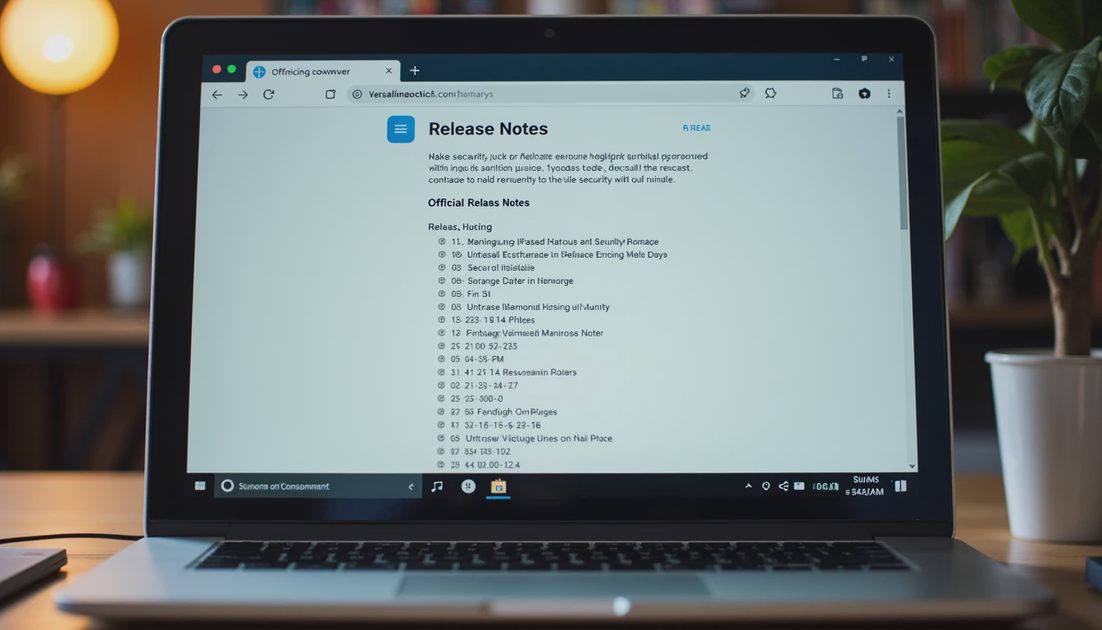
When I recommend a trusted antivirus for business use, I want a vendor whose release notes read like engineering notes rather than marketing copy. Notes that describe fixes, delays, and honest limitations tell me more about how a product is run than any award badge on a website. I read the last year of release notes for every candidate in an evaluation, and I look for the same thing I would look for in any vendor I hire: do they describe problems and fixes in a straight line?
Security Documentation Should Be Boring
Good security documentation is boring. It describes exactly what gets collected, where it is stored, who can access it, and how long it is kept. When a security page is vague about any of those points, I note it as a question for the sales conversation rather than a reason to walk away. When it is vague about all of them, I save everyone time and move on.
Watch What Ships, Not What the Pitch Promises
The most reliable signal in this industry is the update record. Vendors ship fixes on very different schedules, and the schedule shows how seriously they take small offices that cannot afford a security team. I check how quickly a fix ships after a widely disclosed vulnerability, and whether that fix is stable when it arrives.
The Difference Between a Consumer Product and a Business Product
Many of the names people recognize started as consumer products, and some of them remain consumer products with a business price tag. The distinction matters less in the detection engine and more in the details around it: whether the license covers a central console, whether updates are managed centrally, and whether the vendor answers questions from an office with twelve employees rather than twelve thousand. I have sat through evaluations where the consumer product won the technical demo and lost the management test, because the office manager could not do anything without calling support.
A Simple Update History Test
Before I install anything on a company laptop, I read the vendor’s public update history for the past quarter. I am not looking for a specific number; I am looking for the difference between a vendor that ships steadily and one that goes quiet for months and then ships a panic release.

The Management Console Is the Product
For a small office without dedicated IT, the management console is where the product actually lives. A detection engine that requires a specialist to interpret is not a business tool; it is expensive decoration. I ask whether a reasonable office manager can operate it after one training session, or whether it assumes a certification.
Console questions worth asking before you commit:
Can a non-technical person push an update from a web page?
Can you see which company laptops missed the last update?
Is the reporting simple enough to review in a quarterly meeting?
Does the console show security events in language a normal human can read?
Support That Exists When You Actually Need It
I test support before I buy. During an evaluation I send the vendor a plain question a small office would genuinely ask — how do I add a new laptop to the console — and measure how long the answer takes and whether it solves the problem. A vendor that needs three days to answer a basic question during the sales process will not get faster after they have your money.
This is also where business antivirus comparison gets practical: features on a chart rarely separate the candidates, but the support experience does. Choosing a product on paper and then waiting a week for help during rollout is the wrong way to discover that support is a forum and nothing else.
The Uninstall Test and the Renewal Fine Print
Two tests reveal more character than any demo: the uninstall and the renewal letter. I install each candidate on a test laptop, run it for a few days, and uninstall it. Clean removal — no leftover services, no stubborn drivers — tells me the vendor respects that offices change their minds. I also read the auto-renewal, price-change, and cancellation terms before signing; I have untangled renewal surprises that cost more than the original license.
The Criteria Table I Keep Coming Back To
After years of evaluations, I keep a working table in my notebook. It is not scientific, and it does not need to be; it separates marketing from behavior.
What I check | What I want to see | What ends the conversation |
|---|---|---|
Documentation | Plain setup guides and readable release notes | Everything hidden behind a sales demo |
Update history | Steady, frequent security fixes | Months of silence, then a panic release |
Business focus | A console and licensing built for small offices | A consumer product with a business price |
Console usability | An office manager can operate it | Every action requires vendor support |
Support | Fast, specific answers during evaluation | Three-day waits and forum-only help |
Uninstall and renewal | Clean removal and clear terms | Software that fights you on the way out |
Turning the Evaluation Into a Decision
When I help an office make the final call, I turn the criteria into a short sequence that anyone can follow, even without my background:
Read the last year of release notes and the security documentation.
Open the management console in the trial and confirm a non-technical person can use it.
Send one genuine support question before buying anything.
Install, update, and then uninstall the product on a test laptop.
Read the renewal and cancellation terms out loud before signing.
A genuinely trusted antivirus for business use behaves the same way in the trial as it does in the third year of a contract: it updates quietly, explains itself honestly, and leaves cleanly if you outgrow it. Nothing about that requires believing a headline; it only requires paying attention to behavior. Security gets easier when the rules make sense, and my rule is simple: watch what the vendor ships and how it treats its smallest customers, and let the marketing take care of itself.
The Best Security Habits for Hybrid Teams Who Work at Home, in Coffee Shops, and in the Office
NextWhat to Do If an Employee Laptop Brings Malware Into the Office Network
Single Factor Authentication: Why Small Offices Should Move Beyond It
Single factor authentication leaves office accounts exposed. Learn its l...
Best Antivirus for Small Offices in 2026: What Actually Works for 10–50 People
Practical 2026 guidance for small offices on choosing antivirus software...
Falcon Go: A Practical Guide for Small-Business Security
Falcon Go explained for small businesses: learn what it protects, how se...
Secure Cloud Infrastructure: A Practical Small-Business Guide
Secure cloud infrastructure guidance for small businesses: practical con...
Managed Antivirus Solutions: Practical Protection for Small Offices
Managed antivirus solutions help small businesses protect devices, reduc...
Leave a comment
No comments yet.