Managed Antivirus Solutions: Practical Protection for Small Offices
Managed antivirus solutions help small businesses protect devices, reduce alert fatigue, and document better security practices without adding a full-time...
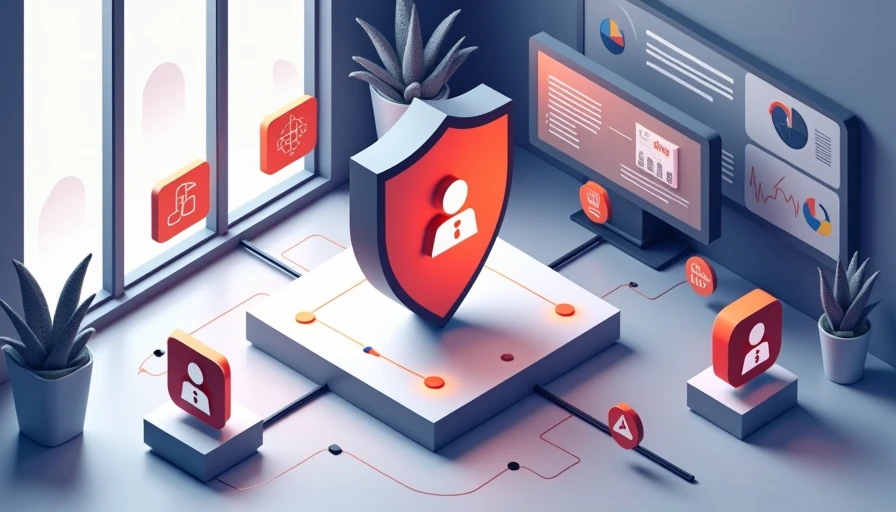
Managed antivirus solutions give a small business more than malware scanning. They provide a repeatable way to protect laptops, desktops, and sometimes servers without asking an office manager to monitor security dashboards all day. The useful question is not, “Which product has the longest feature list?” It is, “What problem are we actually trying to prevent, and who will respond when something looks wrong?”
For a five-person accounting firm, a medical office, or a distributed sales team, the answer usually includes unsafe downloads, phishing attachments, outdated software, and devices that disappear from view when employees work from home. A managed service can make those risks easier to see and handle. Security gets easier when the rules make sense.
What managed antivirus solutions actually do
A traditional antivirus application is installed on a device and configured by the user or an internal administrator. It scans files, blocks known threats, and reports alerts. Managed antivirus solutions add oversight around that protection. A provider or managed service provider typically handles deployment, policy settings, alert review, threat investigation, and reporting through a central console.
That difference matters during an ordinary workday. If an employee opens a malicious attachment at 8:15 a.m., the software can quarantine the file. A managed team may also review the alert, check whether similar activity appeared on other laptops, isolate a device, and tell the business what happened. Without that follow-up, the warning may sit unread in a mailbox until the next software review.
Services vary. Some focus on endpoint antivirus and anti-malware. Others include endpoint detection and response, web filtering, email protection, vulnerability notifications, or after-hours monitoring. Read the service description carefully. “Managed” should mean someone has defined responsibilities for alerts, escalation, updates, and reporting, not merely that a vendor hosts a dashboard.
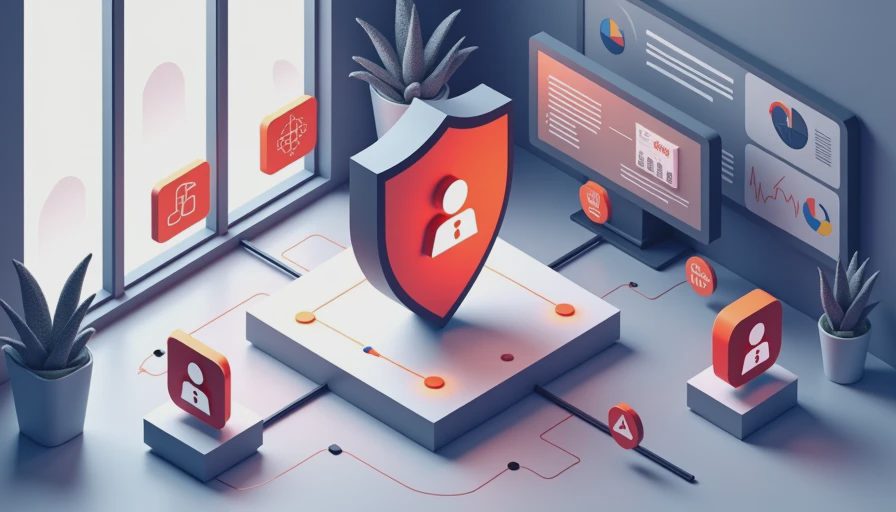
When a managed service makes sense
Managed antivirus solutions are often a good fit when a company has more devices than it can reliably track. Ten employees may use fifteen laptops, two shared desktops, a file server, and several home networks. A part-time IT helper might install software but lack time to inspect every alert or confirm that a former employee’s access and device coverage were removed.
The service is also useful for hybrid teams. Remote workers may connect from apartments, coffee shops, or temporary workspaces. The company cannot control every Wi-Fi network, but it can require security software, current policies, and a locked screen. Central administration helps confirm that protection is active rather than assuming it is.
Budget is part of the decision. Basic business endpoint protection may cost roughly $25 to $60 per device annually, while managed protection with monitoring and response can cost about $20 to $75 per device each month, depending on coverage and support hours. A lower monthly price is not automatically better if nobody responds to alerts. Compare the cost with the hourly value of internal staff and the disruption caused by one compromised workstation.
How to compare providers without getting lost in jargon
Start with coverage. Ask whether the service protects Windows and macOS devices, mobile devices, servers, or only standard office laptops. If employees use personal computers for company work, ask how bring-your-own-device policies are handled. A tool that covers only half the environment can create false confidence.
Next, ask what happens after detection. Does the provider automatically quarantine a file? Can it isolate a laptop from the network? Is a human reviewing serious alerts? What is the escalation path at 10 p.m. on a Friday? Managed antivirus solutions are valuable because response is part of the package, so “we send an alert” is not the same as “we help contain the incident.”
Request a sample report. A useful report should show protected devices, missing agents, recent detections, unresolved issues, and recommended actions in language a manager can understand. It should also identify who owns each next step. Fancy charts are less useful than a clear note saying, “Three laptops have not checked in for fourteen days.”
Finally, review contract terms. Check minimum device counts, onboarding fees, cancellation rules, data retention, support hours, and whether incident response costs extra. Ask how the provider handles false positives and software conflicts with tools such as Microsoft Defender, Bitdefender, Sophos, or Malwarebytes.
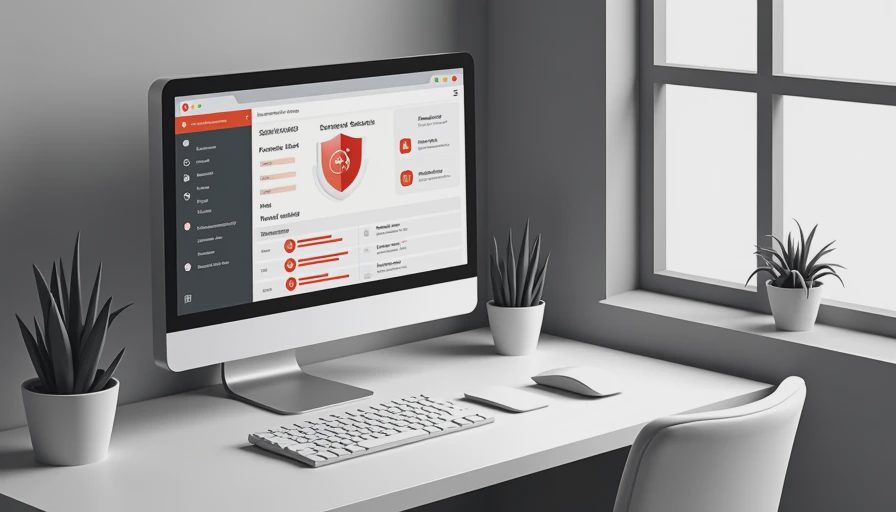
A practical rollout for a small office
Managed antivirus solutions work best when deployment is treated as an operations project instead of a quick download. First, create a device inventory with the user, operating system, business role, and last known check-in. Include laptops sitting in drawers and machines used only during tax season or quarterly reporting.
Second, define a small number of policies. Most offices need a standard workstation policy, a stricter policy for administrators, and a server policy if servers are included. Set automatic updates, scheduled scans, removable-media controls, and web protections according to the provider’s recommendations. Avoid blocking common work tools until someone tests them with real workflows.
Third, pilot the service on three to five devices. Use one newer laptop, one older machine, a Mac if applicable, and a device used for accounting or design software. Watch for performance problems and application conflicts for a week. Then expand in batches, keeping a record of which users were migrated.
The final step is communication. Tell employees what the security agent does, what an alert may look like, and whom to contact when a file is blocked. A short message prevents users from uninstalling protection because they think it is slowing down a legitimate task.
What managed antivirus does not replace
Managed antivirus solutions are not a complete security program. They do not make weak passwords safe, stop every convincing phishing message, or restore files after ransomware unless reliable backups exist. The business still needs multifactor authentication for important accounts, automatic operating system updates, tested backups, and a process for removing access when someone leaves.
Email security deserves separate attention. Many attacks begin with a fake invoice or login page rather than a traditional virus. Use secure email settings, train employees to verify unusual payment requests, and require a second channel for bank-account changes. A password manager can reduce reuse, while a DNS filtering service can block many known malicious destinations.
Documentation matters too. Keep a simple record of device inventory, security policies, backup checks, vendor contacts, and incident steps. This helps during an audit and makes a stressful event less improvised. If the team will not actually follow the process, it is not a security plan.
Questions to ask before signing
Ask how quickly the provider responds to a high-severity alert and whether that response is included in the quoted price. Ask whether the service can isolate an endpoint without waiting for approval, and how you regain access after a false positive. Confirm who owns the data in the management console and how logs are exported when the contract ends.
Ask for references that resemble your business, not just large enterprises. A ten-person law office has different staffing, privacy, and workflow needs than a 5,000-device manufacturer. Request a trial or pilot when available, and test the support experience with a realistic question before committing.
Also ask what success looks like after ninety days. A credible provider should be able to describe measurable outcomes such as full device enrollment, fewer unmanaged endpoints, faster alert review, and documented remediation. The goal is not a perfect dashboard. The goal is a safer, more boring office where protection stays active and someone knows what to do when it is not.
For many small businesses, managed antivirus solutions are a practical middle ground between unmanaged consumer software and an expensive enterprise security program. Choose a service with clear ownership, understandable reports, useful response capabilities, and policies employees can live with. Then pair it with MFA, backups, updates, and sensible training. That combination does more for everyday risk than buying the most complicated product on the market.
Data Execution Prevention for Small Business: A Practical Windows Guide
NextPOA&M Meaning for Small Business Compliance: A Practical Guide
Best Antivirus for Small Offices in 2026: What Actually Works for 10–50 People
Practical 2026 guidance for small offices on choosing antivirus software...
Falcon Go: A Practical Guide for Small-Business Security
Falcon Go explained for small businesses: learn what it protects, how se...
Secure Cloud Infrastructure: A Practical Small-Business Guide
Secure cloud infrastructure guidance for small businesses: practical con...
zixcorp email encryption: A Practical Guide for Small Businesses
zixcorp email encryption explained for small businesses: learn how it wo...
MFA Tools for Safer Small-Business Workplaces
MFA tools help small businesses stop account takeovers with practical lo...
Leave a comment
No comments yet.