Single Factor Authentication: Why Small Offices Should Move Beyond It
Single factor authentication leaves office accounts exposed. Learn its limits and practical MFA alternatives for small teams that reduce risk without...
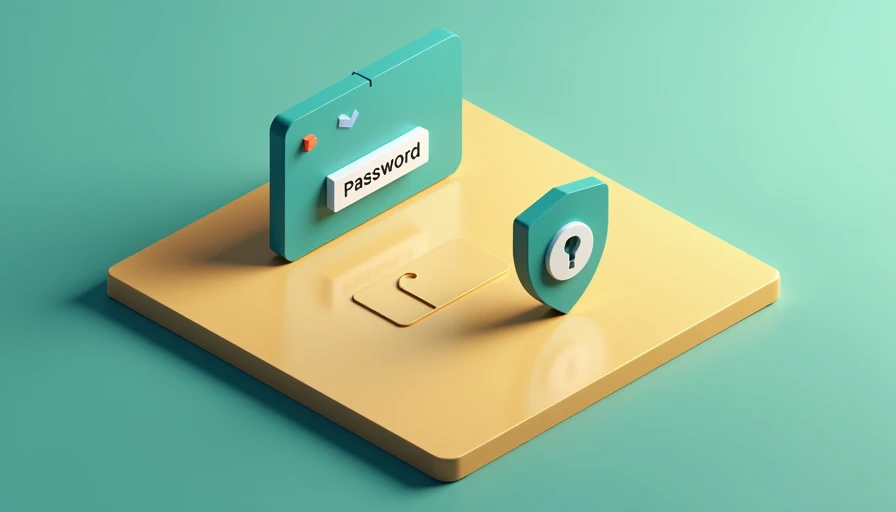
Single factor authentication protects an account with one proof of identity, usually a password, PIN, or security question. It is familiar, inexpensive, and easy to explain. It is also a weak foundation for a modern office because one stolen password can give an attacker a direct path into email, cloud storage, payroll tools, and customer records.
For a small business, the question is not whether passwords still matter. They do. The better question is what problem are you actually trying to prevent? If the answer is account takeover after a phishing email, single factor authentication is not enough. Adding a second verification step is one of the clearest security improvements a small team can make without buying a complicated enterprise platform.
How single factor authentication works
Single factor authentication asks for one category of evidence. In most workplaces, that evidence is something the user knows, such as a password. A website checks the password against its stored account record and grants access if the information matches.
The weakness is that passwords are frequently exposed outside the login screen. An employee might reuse a password on a shopping site that suffers a breach. A phishing page might copy the Microsoft 365 sign-in experience and capture the password in real time. Malware can also collect saved credentials from a browser or infected computer. Once an attacker has the secret, the service has no second signal to distinguish the real employee from the intruder.
Security questions are still another form of single factor authentication, not a meaningful second layer. Answers such as a pet's name, hometown, or favorite sports team can be guessed, researched through social media, or found in old data breaches. Passwordless sign-in can be stronger, but only when it uses a separate device, biometric check, or cryptographic passkey rather than simply removing a visible password field.
A password manager such as 1Password, Bitwarden, or Keeper can create long, unique passwords and reduce reuse. That is a worthwhile improvement, but it does not eliminate the underlying limitation. If the master password or a generated password is stolen, a single-factor account can still be opened.
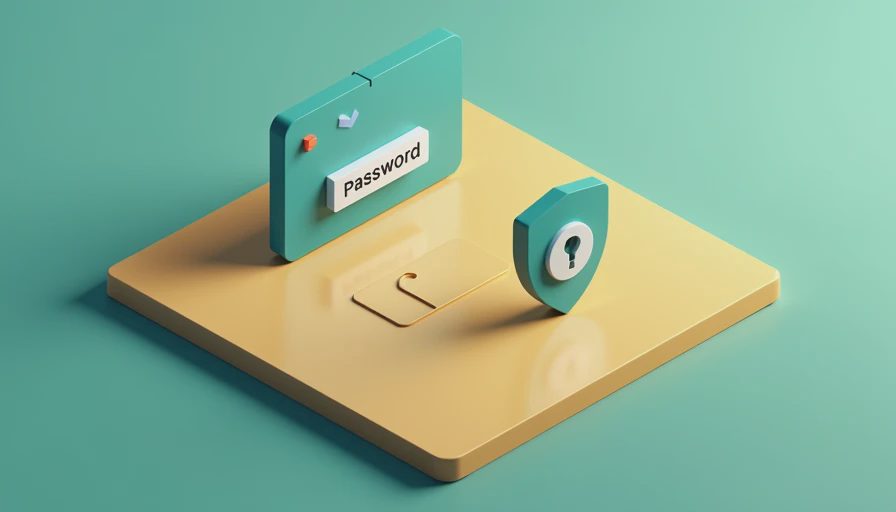
Why the risk matters in an ordinary office
Consider a three-person accounting firm. An employee receives a realistic message about a shared document, follows the link, and enters a Google Workspace password. With single factor authentication, the attacker may immediately read email, create forwarding rules, download tax documents, and impersonate the employee in messages to clients.
The attacker does not need to break through a firewall or exploit an exotic software flaw. The login process accepted the correct secret. That is why business email accounts are valuable targets: one compromised mailbox can expose invoices, vendor conversations, password-reset links, and confidential attachments.
Single factor authentication also creates a difficult offboarding problem. If an employee leaves and the company does not know every place a password was reused, changing one account may not close the door elsewhere. Shared logins make matters worse because managers cannot reliably determine who accessed a system or whether a former worker still knows the credential.
This does not mean every incident becomes a disaster. Good backups, endpoint protection, email filtering, and access limits reduce the blast radius. However, prevention is usually cheaper than reconstructing mailbox activity or explaining a fraudulent payment to a customer. A safer office is usually a more boring office, and boring access controls are useful precisely because they work before an incident becomes dramatic.
What to use instead
Multifactor authentication, or MFA, requires two or more different factors. The common categories are something you know, something you have, and something you are. A password is something you know. A phone-based authenticator, hardware security key, or registered device is something you have. A fingerprint or face scan is something you are.
A time-based code from Microsoft Authenticator, Google Authenticator, Duo, or Okta Verify is generally stronger than a password alone. Push approvals are convenient, but users should never approve an unexpected prompt. Attackers can bombard a person with notifications until the person taps Accept. Number matching, where the user enters a displayed number, helps reduce that mistake.
Single factor authentication should be replaced first on email, administrator accounts, financial services, password managers, remote-access tools, and systems containing customer information. For higher-risk accounts, a FIDO2 security key from Yubico or another reputable provider can resist many phishing attacks because the key verifies the legitimate website before releasing a credential.
SMS codes are better than no second step, but they are not the strongest option. Phone-number takeover and interception risks make an authenticator app, passkey, or hardware key preferable when the service supports one. The best method is the one your team can enroll correctly and use consistently.

A practical rollout for small teams
Start by listing the services that matter most. Review Microsoft 365 or Google Workspace, payroll, banking, customer relationship management, file storage, VPN access, and administrator consoles. Record who owns each account, whether a recovery email is current, and whether any login is shared. This inventory often finds more risk than a technical scan.
Next, enable MFA for administrators and email users before making it a company-wide requirement. Test the process with two employees who have different phones and work patterns. Confirm that they can sign in from a normal laptop, handle a lost phone, and reach recovery codes without calling an overwhelmed manager.
Write a short policy in plain English: use an authenticator app or security key, never approve an unexpected prompt, report suspicious login alerts, and store recovery codes in an approved secure location. Do not send recovery codes through ordinary email or leave them in an open desk drawer.
Then set a deadline and provide a ten-minute setup guide with screenshots. Employees are more likely to follow a rule when the path is clear. If the team will not actually follow it, it is not a security plan. Track completion by account, not just by department, and remove access promptly when someone changes roles or leaves.
How to judge the tradeoff
MFA adds a few seconds to some logins and can create support questions during the first week. Those costs are real, but compare them with the cost of a compromised mailbox: emergency password resets, legal review, payment disputes, lost productivity, and damaged client trust. A basic authenticator rollout often costs little beyond setup time, while managed identity platforms can range from a few dollars per user each month to much more when advanced device controls are included.
Single factor authentication can remain acceptable for a low-value test account with no sensitive information, but it should not be the default for business systems. Use least privilege so employees receive only the access their jobs require, and review sign-in logs for unfamiliar locations, devices, or impossible travel patterns. MFA is not a complete security program, but it blocks a large class of password-only attacks.
Security gets easier when the rules make sense. Move the highest-value accounts away from single factor authentication first, choose a method that fits the team, and document the recovery process before anyone needs it. That sequence produces a calmer, more defensible office without turning everyday work into a security exercise.
Capcom’s 11.77 Million Account Leak Is a Reminder: Your Office Email Addresses Are Already in Someone’s Target List
Best Antivirus for Small Offices in 2026: What Actually Works for 10–50 People
Practical 2026 guidance for small offices on choosing antivirus software...
Falcon Go: A Practical Guide for Small-Business Security
Falcon Go explained for small businesses: learn what it protects, how se...
Secure Cloud Infrastructure: A Practical Small-Business Guide
Secure cloud infrastructure guidance for small businesses: practical con...
Managed Antivirus Solutions: Practical Protection for Small Offices
Managed antivirus solutions help small businesses protect devices, reduc...
zixcorp email encryption: A Practical Guide for Small Businesses
zixcorp email encryption explained for small businesses: learn how it wo...
Leave a comment
No comments yet.